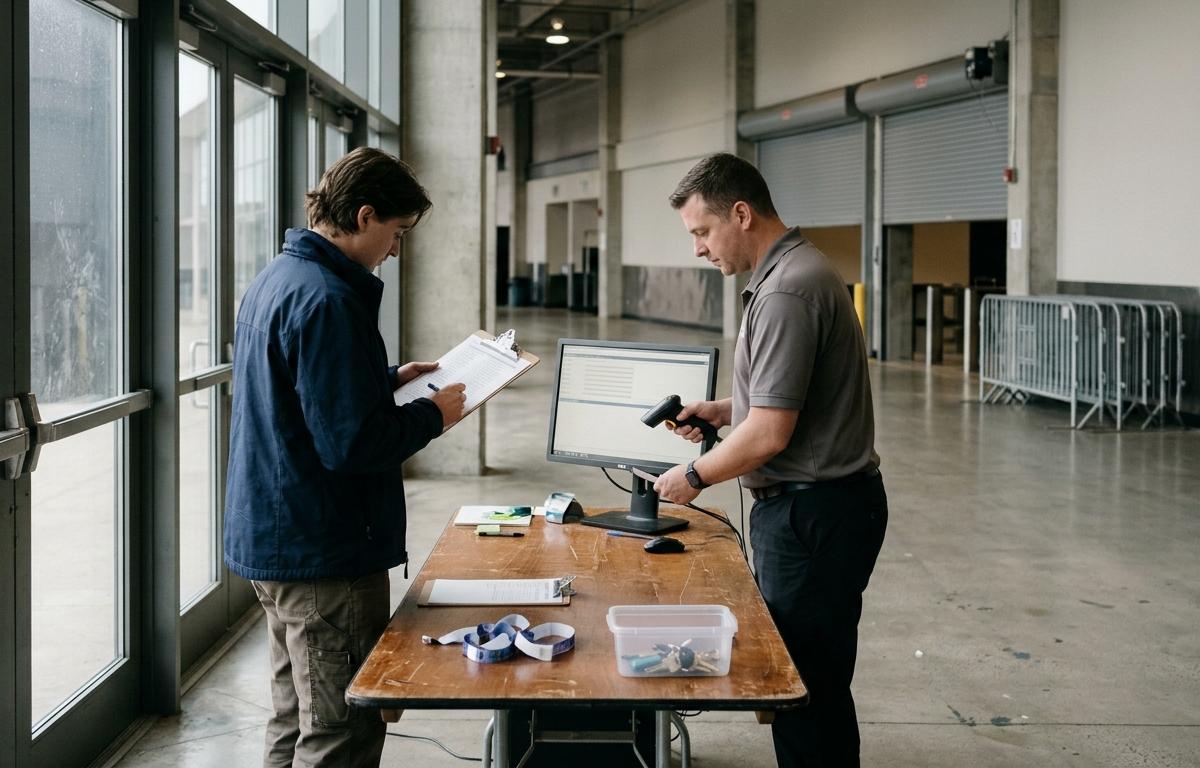
What an Event Operations Checklist Is For (and How It Differs From a Timeline or Run of Show)
An event operations checklist is a working control document. It lists every task that has to happen for an event to open on time, run safely and close out cleanly, and it attaches an owner, a deadline, a status and a definition of "done" to each one. That last piece is what separates a checklist people actually use from one they've dropped by day three.
It gets confused with two neighboring documents. A planning timeline answers "when does each phase start and end?" It's the countdown calendar. A run of show answers "what happens minute by minute on the day?" It's the script. The checklist answers a different question: is everything that needs to be true actually true, and who confirmed it? You need all three, but the checklist is the only one that tells you whether you're ready.
Most of what ranks for this topic is written by planners and software vendors, and it treats the checklist as a to-do list: a long run of items to tick off. That's fine for one small event. It falls apart once you have multiple vendors, several people making decisions, or more than one site. Operators who run venues, series or repeat programs need a checklist built around two ideas most published versions skip: one named owner per task, and a sign-off gate before anything counts as finished.
The rest of this article follows the way we build these for clients: a countdown with lock dates, owners and gates, then vendor and budget control, then event day, multi-site use and close-out. One note on sources. The timing figures below come from practitioner guidance, not independent industry studies, so treat them as sensible defaults and adjust to your event's scale.
Build the Countdown: Planning Timeline, Lock Dates and Deadlines
Start with the event day and work backward. Large events typically need three to six months of planning, depending on scale and complexity, according to practitioner guidance on event checklists. One widely used backward-planning structure puts venue and major vendors at 12 or more weeks out, design and guest planning at 8 to 12 weeks, final vendors and program at 4 to 8 weeks, and confirmations and the run sheet in the last one to two weeks. Use it as a skeleton, not a rulebook.
What turns a timeline into an operating tool is the lock date. A lock is the point after which a category of decisions stops being free. The most important is the technical lock, which the same guidance places typically four to six weeks before the event. After it, changes to staging, power, audio-visual, layout and ticketing flows go through a formal change request instead of a hallway conversation. Set locks for at least four things:
- Venue and capacity: layout, headcount ceiling, emergency egress plan.
- Vendor roster: who's in, who's out, with contracts and insurance certificates in hand.
- Program and run of show: content, speaker or performer schedule, any sponsor activations.
- Budget baseline: the approved figures against which every later change is measured.
Then attach deadlines that match how vendors really behave. One example timeline puts vendor confirmations at 60 days out, final headcount at 30 days and payments at 14 days; the same source notes that most vendors require final payment seven to ten days before the event. Those figures come from a published planning checklist, so check them against your own contracts. What matters is the principle: write the deadlines onto the checklist as dated items, not as advice. A missed vendor deadline is rarely dramatic the day it passes. It turns dramatic a month later, when a key supplier proves unavailable and you have no time to replace them.
Assign One Owner and One Sign-Off Gate to Every Task
This structural change does the most work. Every task gets exactly one owner. Not a team, not a department, not "ops." One person whose name sits next to the task and who answers for it. Shared ownership sounds responsible and behaves like nobody's job. When two people each assume the other confirmed the generator, the generator doesn't show up.
Alongside the owner, every task needs four fields: a deadline, a status, a definition of done, and a sign-off. The definition of done is where most checklists are weakest. "Confirm security" is not a finished state. "Security plan received, headcount matches approved capacity, credentials list sent to gate lead" is. Write the finished state so a second person could verify it without asking the owner.
That second person is the sign-off gate. A gate is a short list of conditions that must all be true before a phase counts as closed, checked by someone other than the person who did the work. For a typical event, four gates cover most of the risk:
- Contract gate: all major vendors contracted, insurance certificates collected, permits applied for.
- Technical lock gate: layout, power plan, ticketing and payment flows frozen and reviewed.
- Readiness gate (about a week out): run sheet distributed, final headcount in, staffing roster complete, backup contacts listed.
- Doors-open gate: site walk completed, safety and access checks passed, payment terminals and inventory verified.
The gate holder needs the authority to say "not yet." If the person signing off can't hold a phase open, the gate is decoration. Keep gate meetings short and evidence-based: the owner shows the finished state, the reviewer checks it, and the item is closed or sent back. For large events, build an escalation path into the checklist itself. A festival operations template built for multi-zone sites does this by naming an owner and an escalation route for each zone, which is the right instinct at any scale.
Control Vendors, Load-In and Budget Changes Through the Checklist
Vendors are where small gaps turn into expensive ones, so the checklist should govern them directly instead of leaving them to individual relationships. Start with a single shared brief that every partner receives: the same scope, contact list, timeline and backup plan. When each vendor holds a slightly different version of the schedule, you spend event day reconciling them.
Load-in deserves its own section because it's where physical reality meets your plan. One logistics checklist recommends staggering vendor arrival windows by at least 30 minutes for vendors sharing the same loading dock, a simple rule that prevents a bottleneck at the one point everyone has to pass through. Put the arrival windows, dock assignments, vehicle access and the name of the person receiving each vendor on the checklist as dated, owned tasks.
If you run more than one event, use the checklist to enforce vendor consolidation. Rather than re-sourcing every supplier each time, set a preferred roster, require purchase-order approval for anything outside it, and record the reason whenever you go off-roster. That's procurement discipline applied at event scale, and it's where recurring savings come from. Our guide to vendor consolidation covers how to set that up, and the principles in procurement savings for multi-location operators carry over directly to event programs.
Budget control works the same way. Once the baseline locks, every change goes through a change-order log: what changed, why, who approved it, and the cost impact. A daily issue list during the final week and the event itself gives you a running record. Without these, budget variance only surfaces at the end, when you can no longer manage it, only explain it. For the broader discipline behind this, see how to reduce operating costs in a business.
Run Event Day, Multi-Site Series and Post-Event Close-Out From One Checklist
Event day is the checklist's real test, and it should shrink to a short list of live checks rather than grow. By now the planning items are closed. What's left is a set of timed verifications owned by named leads: site walk, access control and ingress, staffing check-in, power and connectivity, emergency kit and evacuation plan, overflow space if attendance beats expectations, and, where you sell on site, payment terminals and inventory. The pop-up and festival resources help here: one pop-up checklist flags a payment terminal that can handle offline reconciliation, which matters when connectivity fails mid-event. For bars and retail points, map each point of sale to its stock and set replenishment triggers so nothing runs dry in the busiest hour. Our retail operations management guide goes deeper on that side, and how to choose a payment processor helps if on-site payments are a weak point.
For venues and series, resist writing a new checklist every time. Build one master with the owners, gates and lock dates as a template, then clone it per event or per site and add only the site-specific items. Each site's lead owns their copy, and one central owner reviews all gate sign-offs. That keeps standards consistent and makes it obvious which site is behind.
Close-out is where most operators stop too early. Treat it as a gated phase with its own owners:
- Within 48 hours: attendee and sponsor follow-up while goodwill is high. One guide notes that this window is when attendee goodwill peaks.
- Vendor and payment reconciliation: every invoice matched to a purchase order and any change orders, with final payments released only against signed deliverables.
- Budget versus actuals: variance by category, with the cause of each material gap written down.
- Sales and inventory reconciliation: on-site sales tied to payment settlements and stock counts.
- Lessons learned: a short review, with each finding turned into a change to the master checklist.
That last step is what makes the system compound. The checklist for the next event should be visibly better than the last because the close-out edited it. If you want a second pair of eyes on how your events are run, our operating cost diagnostic for multi-site retailers shows how we approach the same discipline across sites, and our services page outlines how we help.
{"@context":"https://schema.org","@type":"Article","headline":"Event Operations Checklist: Owners, Gates and Close-Out","description":"Use this event operations checklist to assign owners, set go/no-go gates, and run a clean close-out. Covers planning, load-in, showtime and wrap-up.","image":["https://rqlamurdcjeeoogoiurt.supabase.co/storage/v1/object/public/article-images/covers/event-operations-checklist-owners-gates-and-clos-mwbqhul3.jpg"],"datePublished":"2026-11-11T11:51:21.456Z"}